The menu your café deserves, in every hand.
Sign up, add your dishes, pick your colours and print your QR codes. Your digital menu is live in under 30 minutes, and you can change a price from your phone any time.

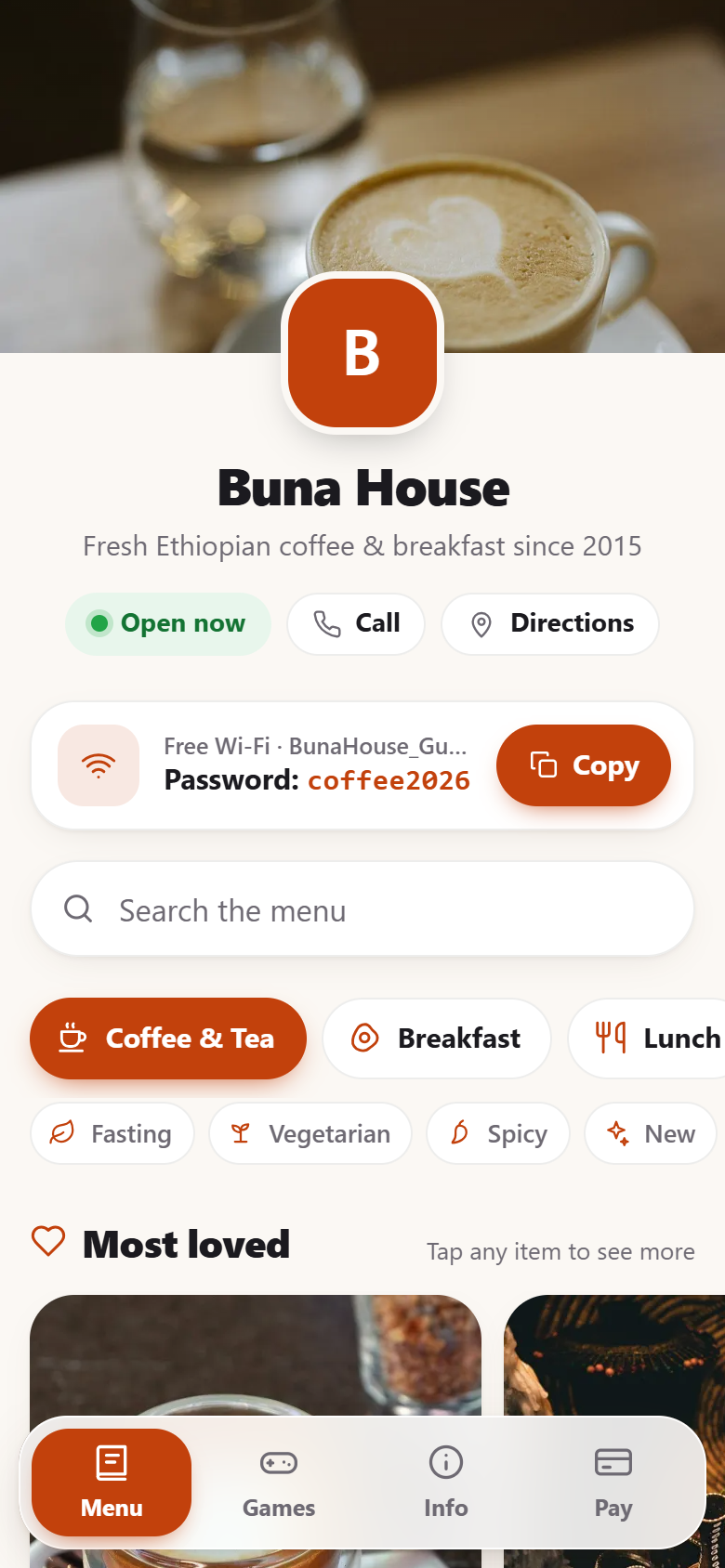
Live on the next scan
From sign-up to every table in three steps.
No designer and no back-and-forth with a print shop. You do it yourself, at your own pace.
Build your menu in minutes.
Add categories and dishes with photos, prices, sizes and extras. Already have a spreadsheet? Import it in one go.
- Change prices right on the list. It saves by itself.
- Mark a dish sold out with one tap.
- Fasting, vegetarian, spicy and more labels.

Make it look like your café.
Your colour, layout, header and font on our professional design. Every change shows live on a phone preview before you publish.
- List, grid or card layouts.
- Turn off what you don’t need: Wi-Fi, search, filters.
- Text colours adjust to stay readable.

Print beautiful QR codes.
Five ready-made designs in your colours. A6 table cards, A5 counter stands or A4 posters, with one code per café or one per table.
- Print-ready PDF, or the QR as an image.
- Save paper with 4 cards on one A4 sheet.
- Optional Wi-Fi details on the card.

Everything they ask your staff, answered on their phone.
Opens in a second on any phone. No app, no sign-up. Just scan.
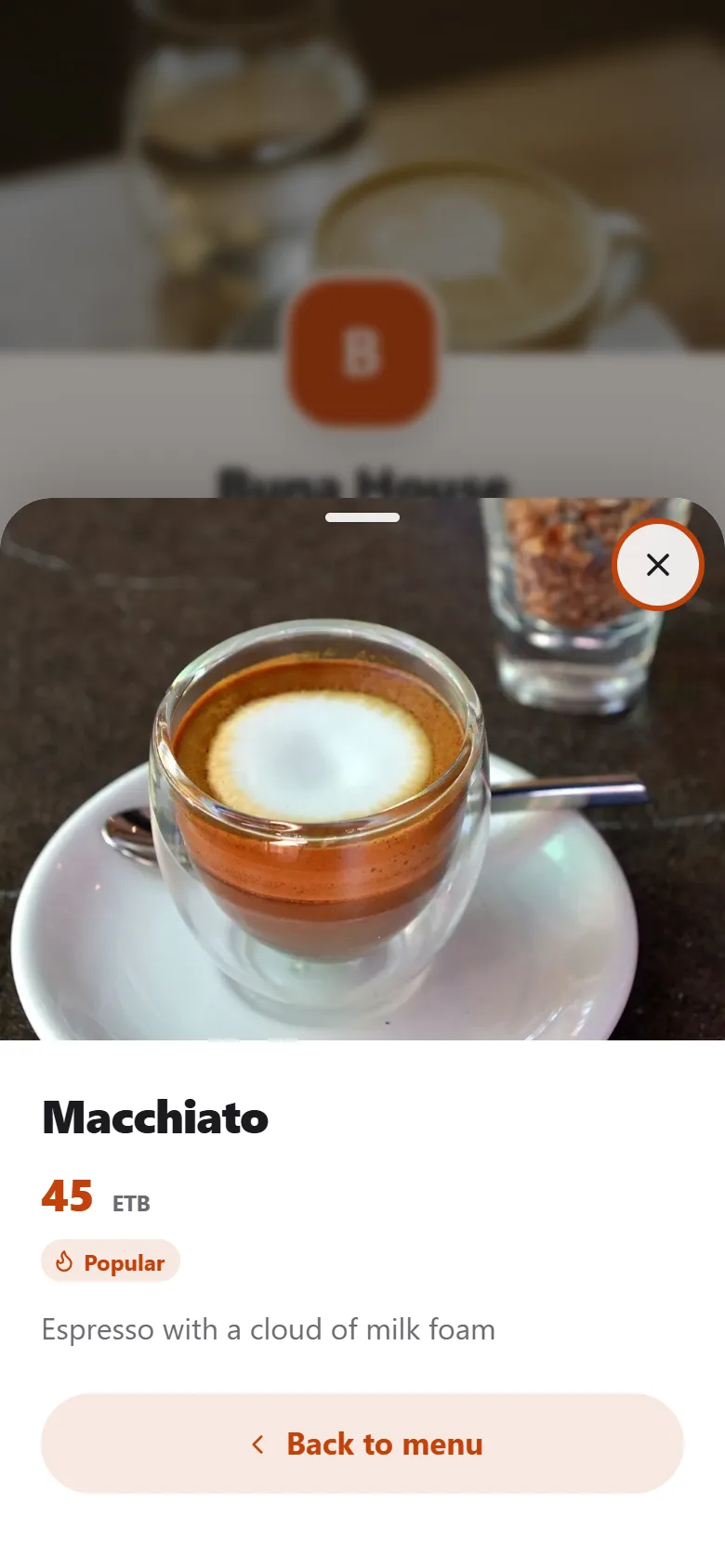

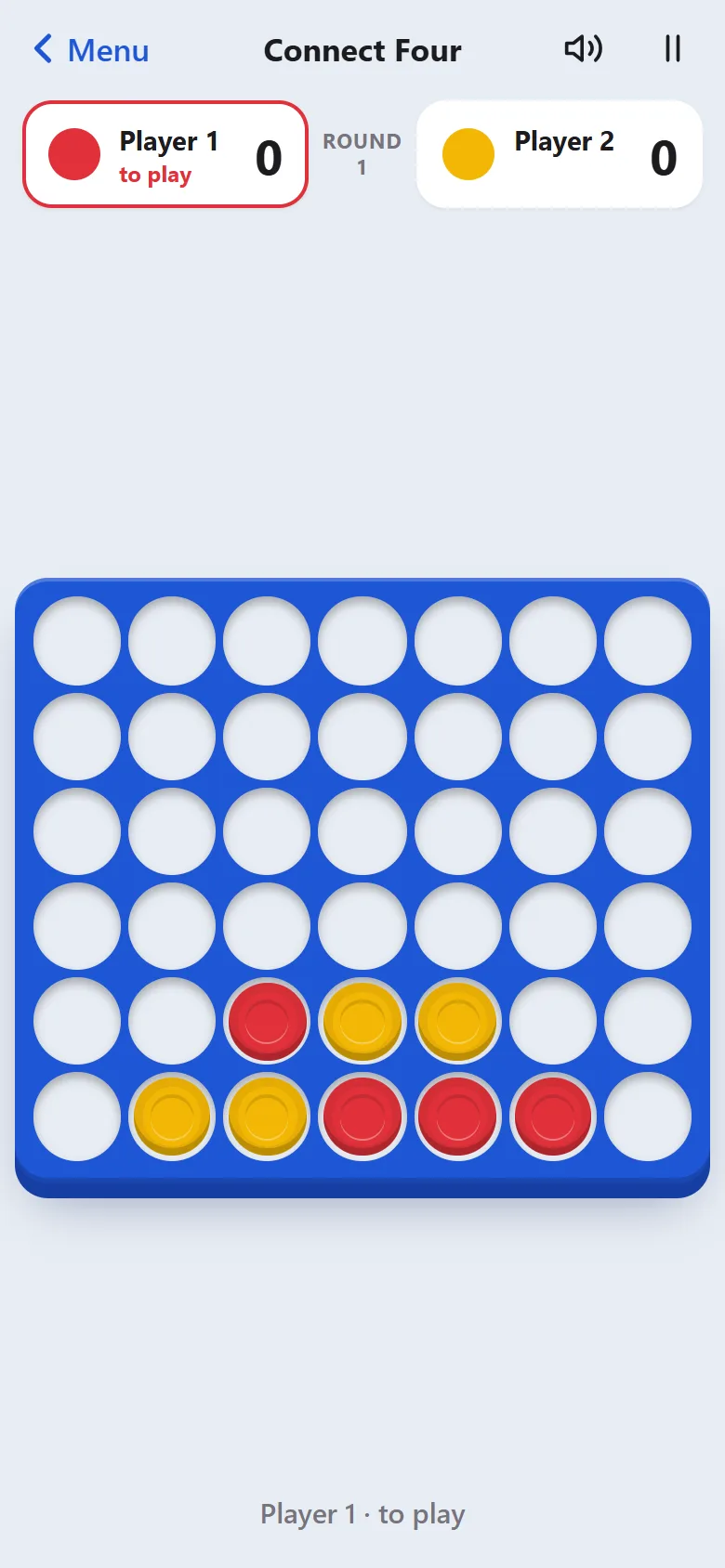
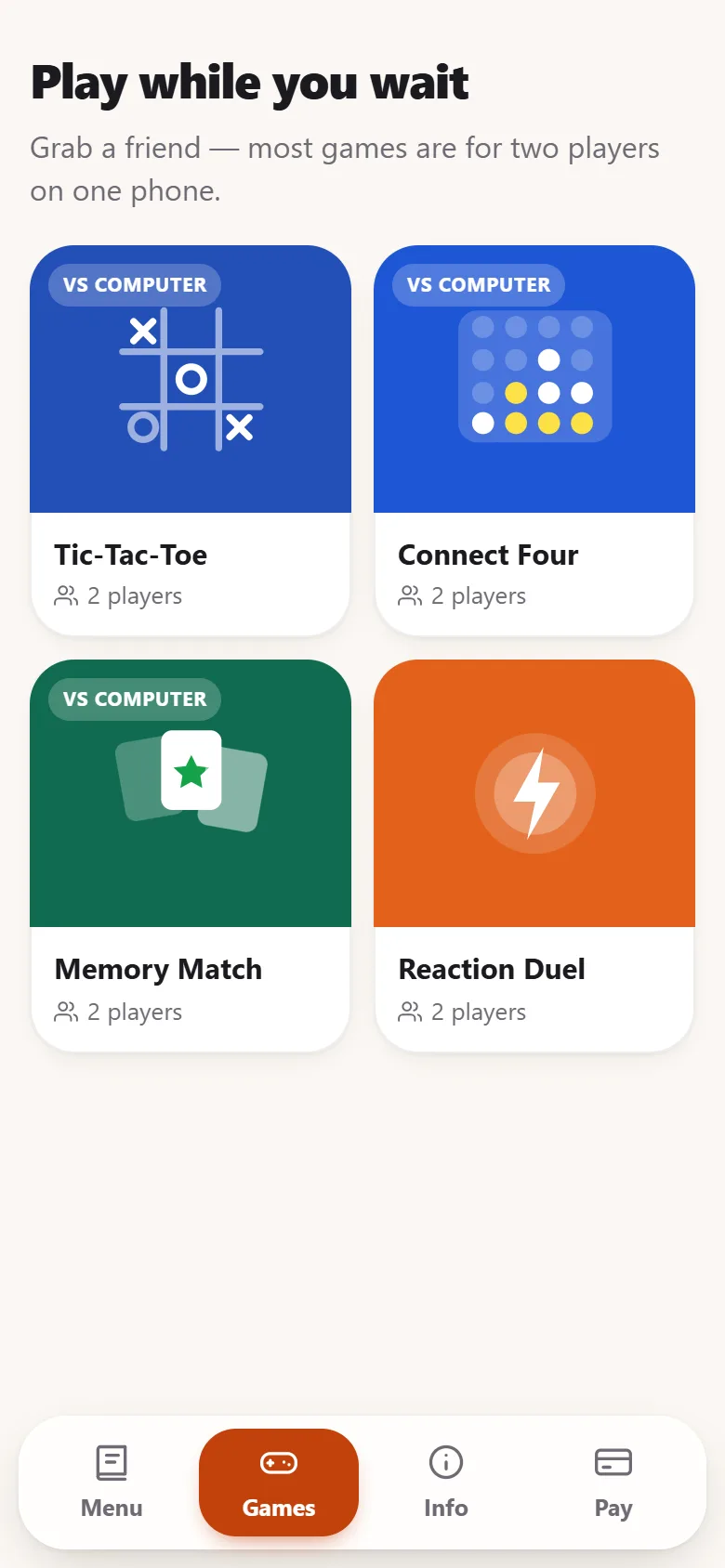
Food takes 15 minutes. Fun starts right away.
Built-in games for two players on one phone, or against the computer. No ads, nothing to install, and they keep working even if the Wi-Fi drops.
- Easy, medium and hard computer opponents
- Best-of series, scoreboard and player names
Small details that make a big difference.
Opens in about a second
Built for everyday Android phones on mobile data. Every menu is cached and served instantly.
Edit from behind the counter
Change a price or mark something sold out from your phone. It’s live on the next scan.
Fasting & dietary filters
Customers filter by fasting, vegetarian, spicy and more with one tap.
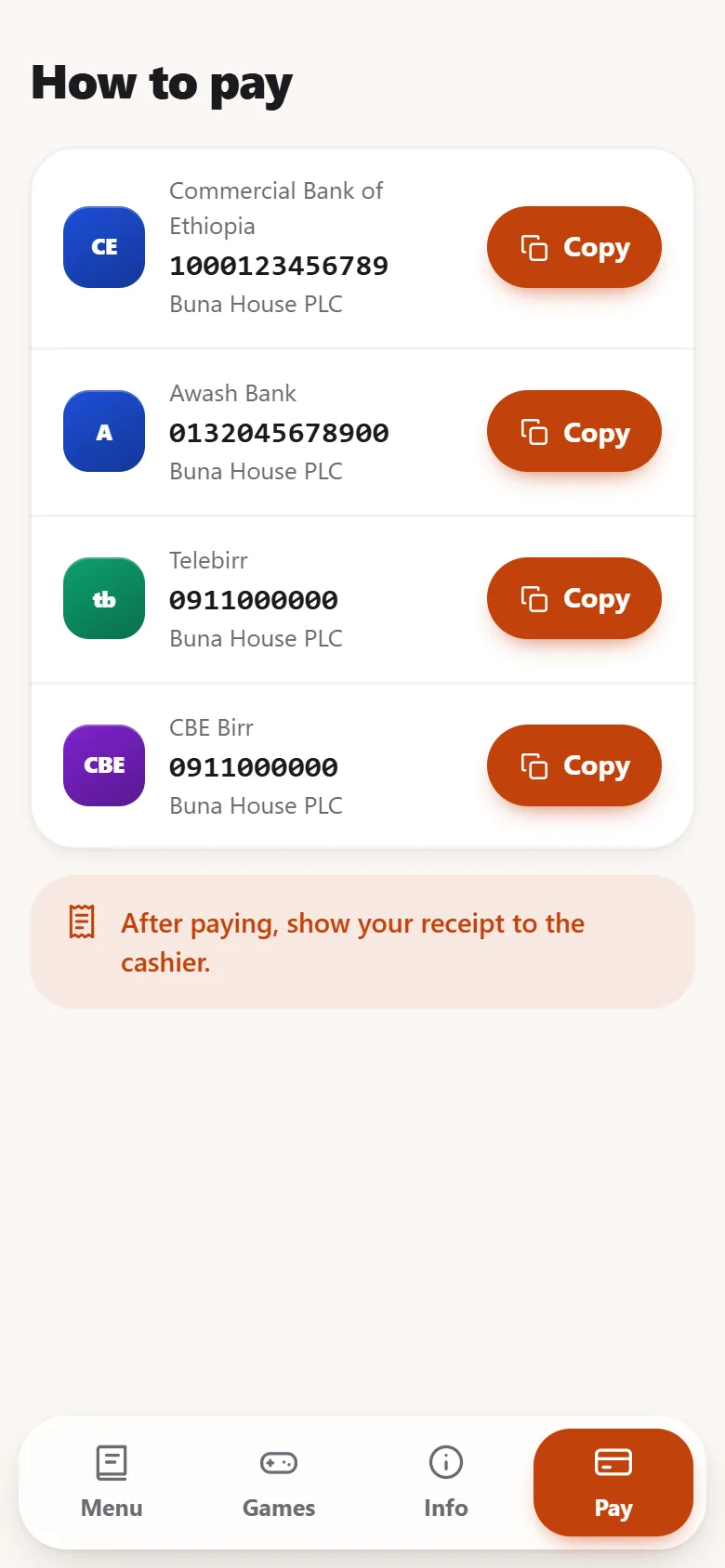
Telebirr, CBE Birr & banks
Your account numbers with copy buttons. Customers pay and show the receipt.
Wi-Fi in one tap
Network and password with a copy button. Staff stop being asked.
See what people look at
Scans per day, most-viewed dishes and which tables scan most.
Show only what you need
Switch off the Wi-Fi card, search, filters or games any time.
Light & dark
Bright and clear by default, with a dark option for evening lounges.
A QR for every table
Number your tables, print them all at once, and see which ones are busiest.
Start free. Upgrade when it pays for itself.
Every plan starts with a 30-day free trial with everything unlocked. Pay monthly by Telebirr or bank transfer.
- Menu with photos
- Fasting & dietary filters
- Info & payment tab
- Games for customers
- Up to 10 table QR codes
- Basic stats
- Everything in Basic
- Unlimited table QR codes
- All QR designs & sizes
- Full stats
- Priority support
- Everything in Pro
- Discount per branch
- Help moving your menus
Good to know
Do my customers need to install an app?
No. They scan the QR code with their phone camera and the menu opens in the browser.
Can I change prices after I print the QR codes?
Yes, that’s the point. The QR code always points to your live menu. Change anything any time; you never need to reprint.
Can I hide the Wi-Fi password, search or filters?
Yes. On the Look & colours page, switch off anything you don’t want customers to see.
Can customers order or pay through Xmenu?
Not yet. Customers see your menu and your payment accounts, then order with your waiter. Your current way of working stays the same.
What if I don’t have photos?
Your menu looks clean and professional without photos too. Add them whenever you’re ready.
How do I print the QR codes?
Download the PDF from the QR codes page and print it at 100% scale at any print shop or on an office printer. A6 cards fit standard table stands.
Your new menu is 30 minutes away.
Free for 30 days. No card, no contract.
Create your menu free